
MBot — the bot that automates emoji reactions & views on your Telegram channel.
1. What is the Telegram Auto Reaction Bot (MBot)?
If you run a Telegram channel, you already know the struggle. You spend time writing great content, hit send — and then... silence. No reactions, barely any views. The channel looks dead even though you've been grinding at it for months.
Here's the uncomfortable truth: Telegram's search ranking actually rewards channels that look active. Posts with more reactions and views get pushed higher in discovery feeds, while ghost-town channels quietly sink to the bottom. So the engagement gap compounds itself.
That's the exact problem MBot (Multi Reactions Bot) was built to solve. It's a native Telegram bot — meaning you never leave the app — that automatically drops emoji reactions and views on every new post you publish. The clever part is how it does this: instead of using fake accounts, MBot works through real Telegram user sessions running on the backend via Telethon. So the reactions look exactly as organic as if real people had tapped them yourself.
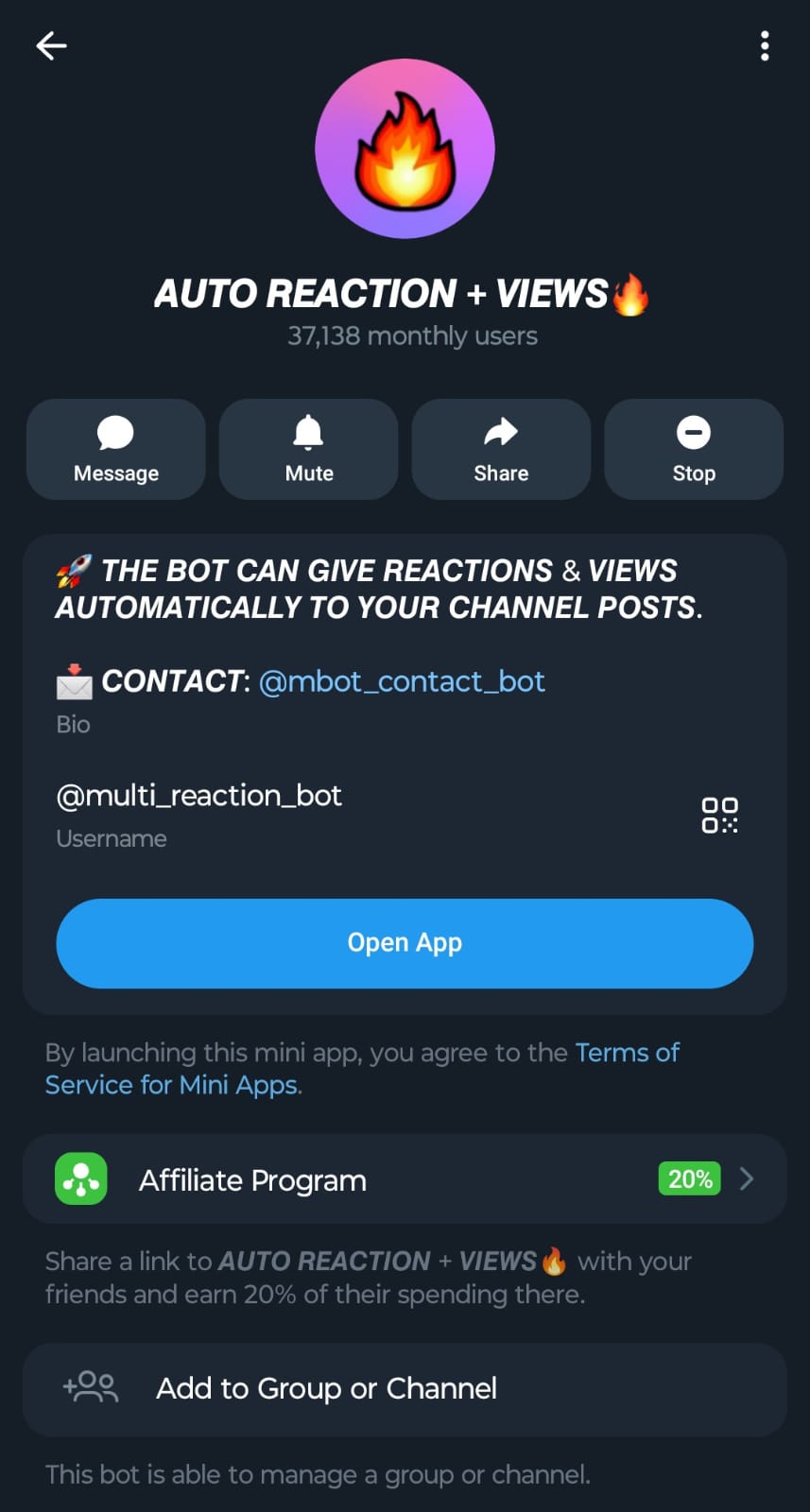
The official bot profile — @multi_reaction_bot — 37,000+ monthly users.
Alright, let's talk numbers real quick. You get 100 free credits the moment you start the bot. Reactions cost 1 credit each, views cost 1 credit each. So your first 100 reactions or views are completely on the house — enough to test it on a real channel and see the results yourself without spending a cent.
MBot supports English 🇬🇧, Hindi 🇮🇳, French 🇫🇷, Spanish 🇪🇸, Russian 🇷🇺, Portuguese 🇵🇹, Italian 🇮🇹, Indonesian 🇮🇩, Ukrainian 🇺🇦, and Vietnamese 🇻🇳. When you first open the bot, it asks you to pick your preferred language — and you can always switch later with /language.
2. Telegram Engagement Tools: MBot vs. SMM Panel Bots
People often ask me about the difference between MBot (@multi_reaction_bot) and SMMBot (@titanium_smm_bot). They're related products from the same developer but they do very different things. Think of it this way:
🤖 MBot — Full Autopilot
For channel owners who post regularly and want every post automatically boosted.
- Set it once, forget it: Create a project, and MBot watches your channel 24/7. The moment you post something new, reactions appear automatically — no manual work required.
- Your emojis, your rules: Choose up to 11 specific emojis from a library of 69 options. You pick exactly the reaction mix that fits your audience.
- Drip-feed delivery: Instead of dumping 50 reactions in one second (which looks suspicious), you can spread them over 5 to 120 minutes for a completely natural feel. (Pro feature.)
- Reactions + Views together: Each project can add both emoji reactions and post views simultaneously.
📦 SMMBot — Manual Orders
For one-off engagement purchases — no automation, just an order-by-order SMM panel.
- Manual every time: No projects. You have to paste your post link, choose a service, and confirm an order for every single post — every single time.
- Broader services: Supports channel members (temporary and permanent), poll votes, and bot members — things MBot doesn't do.
- Pack-based reactions: Reactions come in Positive packs (8 emojis) or Negative packs (5 emojis) rather than individual custom selection.
- Instant delivery only: No drip-feed option. All engagement lands at once.
The short version: If you own a channel and post content regularly, MBot is the right tool — it runs continuously without you ever having to think about it. SMMBot is for more specific, occasional requirements like boosting member counts or running one-time reaction campaigns on specific posts.
3. How to Get Free Telegram Reactions (First 60 Seconds)
Starting with MBot is genuinely simple. Here's what the very first time looks like:
- Open Telegram and search for @multi_reaction_bot, or tap this direct link: t.me/multi_reaction_bot
- Hit START. The bot asks you to pick a language first. Choose yours from the 10 options.
- You'll land on your dashboard. You now have 100 free credits already loaded in your account.
- Before creating your first project, you need to join the official update channel. The bot will prompt you automatically and drop a join button in chat. Just tap it.
- Now you're ready. Tap ➕ ADD AUTO REACTION PROJECT to start the setup wizard.
The START screen — the first thing you see when you open the mini-app.
4. Step-by-Step Tutorial: Automating Telegram Reactions
The project wizard has 6 quick steps. Everything is handled through interactive inline buttons right inside Telegram — no external website, no forms to fill. Here's exactly what each step looks like:
Link Your Channel
Forward any post from your target channel, type its public handle like @YourChannel, or paste the private channel's numeric ID. MBot auto-detects the type — public or private.
Pick Your Emojis
You'll see a grid of tappable emoji buttons. Select up to 11 emojis you want on every post. Each picked emoji shows a ✓ checkmark. Browse all 69 options if the popular defaults don't match your channel's vibe.
Set Reaction Amount
Type how many total reactions per new post. Free plan allows up to 30. Pro tiers raise this ceiling to 50, 100, or completely unlimited depending on your tier.
Add Post Views
Optionally add views alongside reactions. Enter a number, or type 0 to skip. Both reactions and views cost 1 credit each, so the math stays simple.
Choose Delivery Speed
Type 0 for instant delivery (available on all plans). On a Pro plan, enter any number from 5 to 120 to drip-feed reactions across that many minutes — gradual delivery looks completely organic.
Pick Distribution Style
Uniform — equal split of reactions across all selected emojis. Weighted — randomised, natural-looking spread. We strongly recommend Weighted for the most authentic appearance.
Once you confirm step 5, MBot validates your channel access, sets up the sessions, and starts monitoring your channel silently in the background. The next time you publish a post, reactions will start appearing automatically — you don't lift a finger.
You can revisit your projects anytime via 📁 MY PROJECTS. From there you can edit settings, view a history log of which posts were boosted and how many reactions landed successfully, or delete the project if you no longer need it.
5. How to Boost Old Telegram Posts Instantly
Here's something a lot of people miss: the automation only picks up posts you publish going forward. What about all those older posts sitting on your channel with zero engagement?
If you're on a Pro plan, you'll see a button on your main menu called 💟 GIVE REACTION TO A POST 💟. This is the Instant React tool, and it's incredibly useful for channel cleanup. Here's the flow:
- Tap the button and paste one or more
t.me/channel/postlinks — one per line. Or just forward a specific post. - MBot validates each link and shows you a summary if you've submitted multiple.
- Select emojis (up to 11). You can even pull a saved template from one of your existing projects to keep everything consistent.
- Enter the reaction count per post. The bot tells you exactly how many credits the whole batch will cost upfront.
- Confirm, and MBot sends a completion report when done.
I've seen people use this to batch-boost 50+ old posts in one go. It makes a brand-new channel look like it's been running for years — which really helps with first impressions when you're trying to attract subscribers or pitch advertisers.
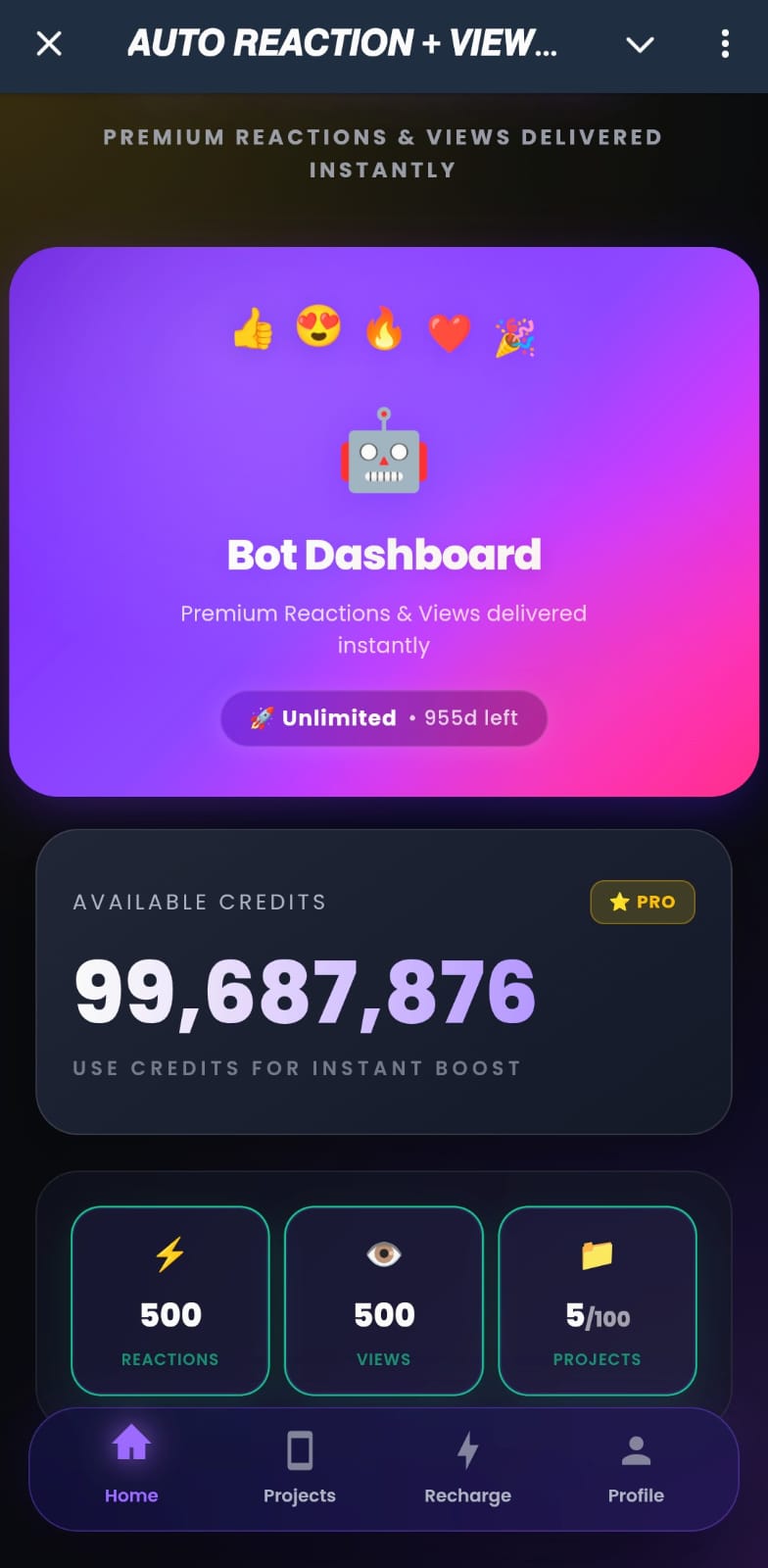
The bot dashboard — credits balance, tier info, and project stats all in one place.
6. MBot Plans and Engagement Limits Explained
MBot has a Free tier that anyone can use from day one, and multiple Pro tiers that raise your engagement ceiling. The tier names are cosmetic labels based on how many max reactions your plan supports per post:
- Up to 30 reactions per post
- 1 active project
- Instant delivery only
- Up to 30 reactions per post
- Pro features unlocked
- Drip-feed available
- Up to 50 reactions per post
- Multiple projects
- Instant React access
- Up to 100 reactions per post
- Full Pro access
- Drip-feed + Instant React
- 100+ reactions per post
- No ceiling at all
- Full Pro access
A few things worth knowing: when your Pro subscription expires, MBot automatically drops you back to Free. Your credits don't disappear — only the tier limits reset. And tracking your credit usage is easy: send /history to the bot and it shows you a full 30-day transaction log, complete with clickable links to the exact posts that were boosted.
7. Managing Projects and Private Channels
Once your project is running, MBot gives you a clean set of tools to manage it from within the 📁 MY PROJECTS menu. Tap any project to see:
- 📜 History — a paginated log showing every post that was processed, the number of reactions delivered, and a success/failure breakdown.
- Edit — change your emojis, reaction count, view count, delivery speed, or distribution style at any time. (Available for public channels.)
- 🗑️ Delete — removes the project after a confirmation prompt. For private channels, the bot sessions will automatically leave your channel too.
- Refresh Members — only shows up for private channel projects. Tap this if you suspect the bot sessions may have been kicked from your channel.
Speaking of private channels — MBot handles them natively. When you create a project for a private channel, you provide either the channel's invite link or its numeric ID. The bot directly joins the channel using real user sessions and starts monitoring it. No extra steps needed.
8. Free Credits, Referrals, and Discount Codes
Before you spend anything, there are two ways to grow your credit balance for free:
MBot supports both emoji reactions and post views — all automated, all on autopilot.
- Referral Program: Go to the 💝 REFERRAL menu and grab your unique link. Every friend who signs up through your link earns you 50 free credits. The referral only processes after the new user joins the official update channel — it's not instant — but the credits land in your account with a notification when they do. You can track your total referrals and earnings from the same Referral screen.
-
Discount Code: When you're ready to upgrade using Crypto or UPI (PhonePe), tap 🔄 RECHARGE and apply the code
MBOT10at checkout for a straight 10% off any purchase. That's the only discount code, and it works on everything.
9. Frequently Asked Questions
Do reactions from MBot actually look organic?
Can I use MBot on a private channel?
What happens to my credits if my Pro plan expires?
Why can't I create a new project?
How do I stop getting a notification every time MBot reacts?
/notification command to the bot. This toggles reaction report messages on and off. When disabled, MBot still processes everything in the background — you just won't see the delivery summaries in your chat anymore.
Can I react to multiple old posts at once?
t.me/channel/post links, one per line. MBot will validate them all, show you the total credit cost, and batch-process the whole list when you confirm.
What payment methods are accepted for recharging?
MBOT10 for 10% off.
Ready to Grow Your Channel?
Start with 100 free credits — no payment needed. Set up your first automation project in under a minute and watch what happens to your next post.
Open MBot on Telegram — It's Free